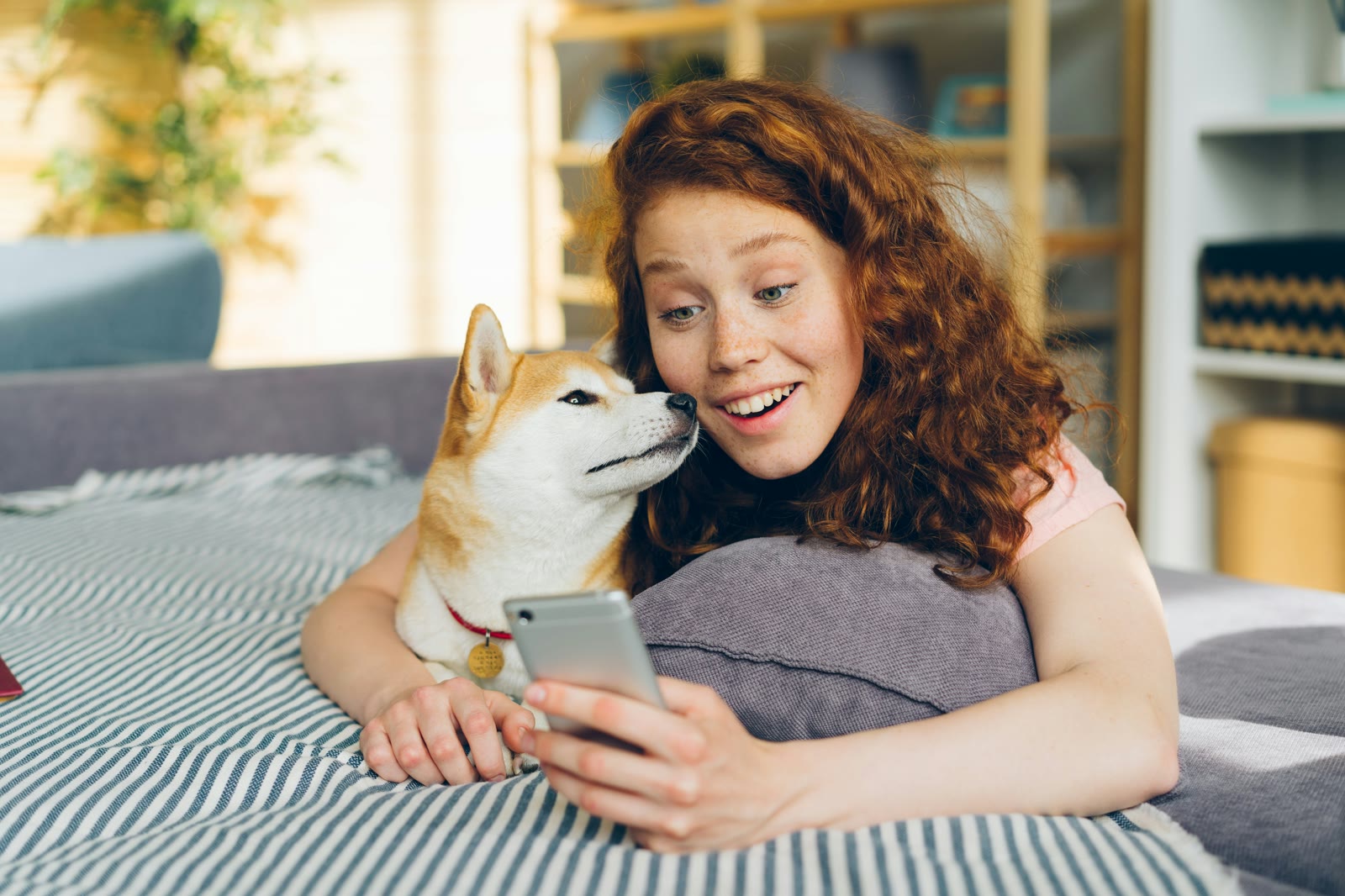
Pet Care Reminders That Actually Work: Beyond Simple Alarms
Why phone alarms fail for pet care and what smart reminders with completion tracking, team sharing, and overdue alerts can do instead.
Pet Care Reminders That Actually Work: Beyond Simple Alarms
The best pet care reminders go beyond simple alarms, they track whether the task was actually done, share the status with your care team, and flag anything that was missed. Here's why that matters and how to set it up.
Why Phone Alarms Don't Cut It
Phone alarms are great for waking up in the morning. For pet care? Not so much.
Alarms don't track completion. An alarm goes off, you dismiss it, but did you actually give the medication? There's no record. Tomorrow, you won't remember if you missed yesterday's dose.
Alarms can't be shared. If your partner also helps with pet care, their alarm goes off too. Now two people are responding to the same task without knowing who handled it.
Alarms have no history. When your vet asks "How consistently has she been taking the medication?", an alarm has nothing to offer. It doesn't know if you gave the dose, it only knows when it rang.
Alarms treat everything the same. A 7 AM medication alarm and a 7 AM "remember to buy dog food" reminder use the same mechanism. There's no way to prioritize critical tasks.

Here's the gap: an alarm tells you it's time to do something. A smart reminder tells you it's time to do something, confirms it got done, tells your team it got done, and flags it if it didn't. That's a very different thing.
What Smart Pet Care Reminders Look Like
A proper pet care reminder system should do five things:
1. Recurring Patterns
Most pet care is repetitive, daily medications, twice-daily feedings, weekly weigh-ins, monthly flea treatments. Smart reminders let you set a pattern once and generate trackable instances automatically.
In MoaTails, this is the smart calendar. Create a recurring event with the right frequency (daily, weekly, monthly, custom), and individual instances appear on your calendar with reminders.
2. Completion Tracking
When you complete a task, it should be recorded, who did it and when. This turns your reminder system into a care log.
Every event you mark complete in MoaTails is timestamped and attributed. Over time, this builds a complete history of your pet's care.
3. Overdue Alerts
If a task doesn't get completed on time, it should be flagged, not silently forgotten. MoaTails highlights overdue items on your home screen and calendar, so missed tasks stay visible until you deal with them.
4. Team Visibility
When multiple people care for a pet, everyone needs to see the same schedule and status. If your partner already gave the morning medication, you should see that instantly, before you accidentally double-dose.
MoaTails' care team feature provides real-time sync across all team members. Complete a task on one phone, it updates on everyone else's.
5. Customizable Notifications
Not every task needs the same alert level. A critical medication reminder should be a push notification. A water refill log? Maybe not.
MoaTails lets you set notification levels per event type. All, Assigned Only, or None. Plus per-pet overrides so your senior dog's medications always alert you, while your young cat's routine feeding stays quiet.

The goal is signal over noise. Set the critical stuff to "all" and the routine stuff to "none" or "assigned only." You'll get the right reminders without the overwhelm.
Setting Up a Complete Reminder System
Here's how to build a pet care reminder system that actually works:
Daily Medications
Create a Medication event with the exact time and frequency. Set notifications to "All." Mark complete after each dose. Overdue tracking catches any misses.
Feeding Schedule
Create Feeding events for each meal. If you have a care team, set notifications to "Assigned only" so only the responsible person gets buzzed.
Weekly Weigh-ins
Create a recurring Weight event. Set it for the same day and time each week. Log the actual weight when completing, this feeds into your pet's health insights.
Monthly Flea/Tick Treatment
Create a monthly Medication event. The monthly recurrence generates a reminder on the right day each month.
Annual Vet Appointment
Create an Appointment event with a reminder 1-2 weeks before. Enough lead time to schedule the appointment, not so early that you forget.
Comparing Approaches
| Feature | Phone Alarm | Calendar App | MoaTails |
| Recurring reminders | Basic | Yes | Yes (10 event types) |
| Completion tracking | No | No | Yes |
| Overdue alerts | No | No | Yes |
| Team sharing | No | Limited | Yes (real-time) |
| Per-type notification control | No | No | Yes |
| Health insights from data | No | No | Yes |
| Offline support | Yes | Partial | Yes |
Frequently Asked Questions
Can I migrate from my current alarm setup? There's no automatic migration, but setting up recurring events in MoaTails takes just a few minutes per routine. Once created, they run forever (or until you stop them).
What if I'm offline when a reminder fires? MoaTails uses local notifications that work offline. You'll get the reminder even without an internet connection. See Offline Mode.
Can I set different reminder times for the same event? Each event has one reminder offset (e.g., "5 minutes before"). For critical items, set the offset to 0 so the reminder fires at exactly the scheduled time.
Will it remind me to refill prescriptions? You can set a medication's end date to match when the prescription runs out, then create a one-time reminder to refill. Or set a recurring monthly reminder.
Keep Reading
Related articles
DogLog vs MoaTails: Both Do Shared Care. Here's the Actual Difference.
DogLog pioneered the shared pet logging space. MoaTails goes deeper on roles and health records. An honest, feature-level comparison for shared households.
11pets Alternatives for Shared Households (2026)
11pets is a strong single-owner record keeper. If your pet care is a team sport, here's what to look for in an alternative and how MoaTails compares, honestly.