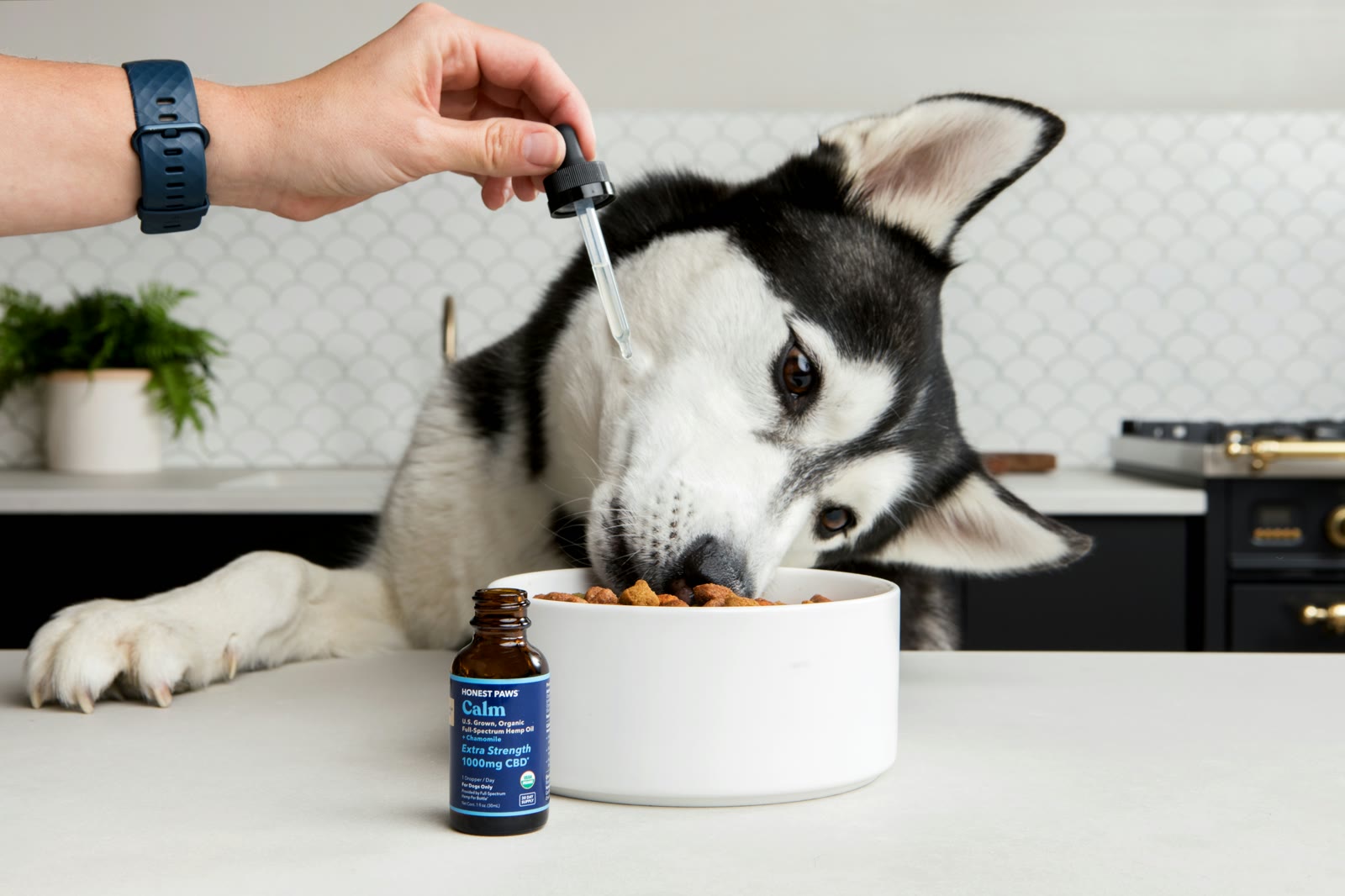
Never Miss a Dose: How to Set Up Pet Medication Reminders
Step-by-step guide to setting up medication reminders for your pet, with recurring schedules, smart notifications, and care team sharing.
Never Miss a Dose: How to Set Up Pet Medication Reminders
To set up a pet medication reminder that actually works, you need more than a phone alarm. You need recurring schedules, completion tracking, and a way to share the responsibility with everyone who cares for your pet. Here's how to do it in MoaTails.
Why Phone Alarms Fall Short
If you've ever set a phone alarm for your pet's medication, you know the problem: alarms don't track whether you actually gave the dose. They can't tell your partner that you already handled it. And they definitely can't show your vet a medication adherence history.
A dedicated pet medication tracker solves all of this.
Setting Up Luna's Twice-Daily Thyroid Medication
Let's walk through a real example. Luna is a 9-year-old tabby who takes thyroid medication twice a day, once at 8am and once at 8pm.
Step 1: Create the Medication Event
Open MoaTails and tap the add button on your calendar. Choose Medication as the event type, then fill in:
Title: "Thyroid medication"
Pet: Luna
Description: "1/2 tablet Methimazole, crush and mix with wet food"
Step 2: Set the Recurrence
Under the recurrence settings, configure:
Frequency: Daily
Time: 8:00 AM
Start date: Today (or whenever the prescription begins)
End date: Leave open, or set an end date if it's a temporary prescription
Then create a second event for the 8:00 PM dose. Now you have two recurring medication reminders that generate a fresh, trackable instance every single day.
Step 3: Configure Notifications
Go to your notification settings and make sure Medication notifications are set to All. This way you'll get a push notification at 8am and 8pm every day.

For critical medications, set a reminder offset of 0 minutes (notify at the exact time) or even 5 minutes early so you can prep. For less time-sensitive meds, a broader window is fine.
Step 4: Mark Doses Complete
When you give Luna her medication, tap the event and mark it complete. It's one tap. The app records:
That the dose was given
What time it was completed
Who marked it (important for shared care)
Missed a dose? The event stays visible as overdue and gets highlighted on your home screen. Nothing slips through the cracks.
Sharing Medication Duties with Your Care Team
If your partner, pet sitter, or family member also gives Luna her medication, add them to your care team. They'll see the same medication schedule and can mark doses complete from their own phone.
The activity feed shows who gave what and when, so there's no double-dosing and no "I thought you did it" confusion.

Your pet sitter can see Luna's full medication schedule and mark doses complete while you're on vacation. You can check the activity feed to confirm everything's on track. Peace of mind from anywhere.
Tracking Medication Adherence Over Time
Every completed dose builds a history. Over time, you can:
See how consistently medications are being given
Identify patterns (missed weekend doses, late evening doses)
Show your vet a clear medication history at the next appointment
Attach the prescription document to the medication event for easy reference
Handling Medication Changes
When your vet adjusts a dosage or switches medications:
Edit the template: Update the existing recurring event's description with the new dosage
Or create a new one: End the current medication schedule and create a fresh one with the new details
If it's a temporary medication (like a 2-week antibiotic course), set an end date on the recurrence so it automatically stops.
Tips for Reliable Medication Tracking
Set notification level to "All" for medications, this is the one event type you don't want to miss
Use the description field: Include dosage, administration method, and any special instructions
Attach the prescription: Upload the prescription PDF and link it to the medication event via document storage
Set up for each medication separately: If your pet takes multiple medications, create a separate recurring event for each one. This keeps tracking precise.
Review overdue items daily: The home screen shows a count of overdue items. Make it a habit to check.
Frequently Asked Questions
Can multiple people get medication reminders? Yes! Anyone on your pet's care team with Medication access will see the events. Set their notification level to "All" or "Assigned only" depending on the situation.
What if I give the medication late? Just mark it complete when you give it. MoaTails records the actual completion time, so your adherence history is accurate even if timing varies.
Can I track multiple medications for the same pet? Absolutely. Create a separate recurring event for each medication. They'll all appear on your calendar and can be filtered and tracked independently.
Does it work offline? Yes. You can view schedules and mark doses complete without an internet connection. Everything syncs when you're back online. See Offline Mode for details.
Keep Reading
Related articles
Dog Dental Care: The Most-Skipped Thing in Pet Health
Most adult dogs have some dental disease and most owners can't tell. The honest hierarchy of what works (brushing, chews, cleanings) and the cost of skipping it.
Free-Feeding vs Scheduled Meals: What Each Actually Does to Training, Weight, and Your Day
The always-full bowl versus set mealtimes: honest pros and cons for dogs and cats, what vets see in each camp, and how to switch without a hunger strike.