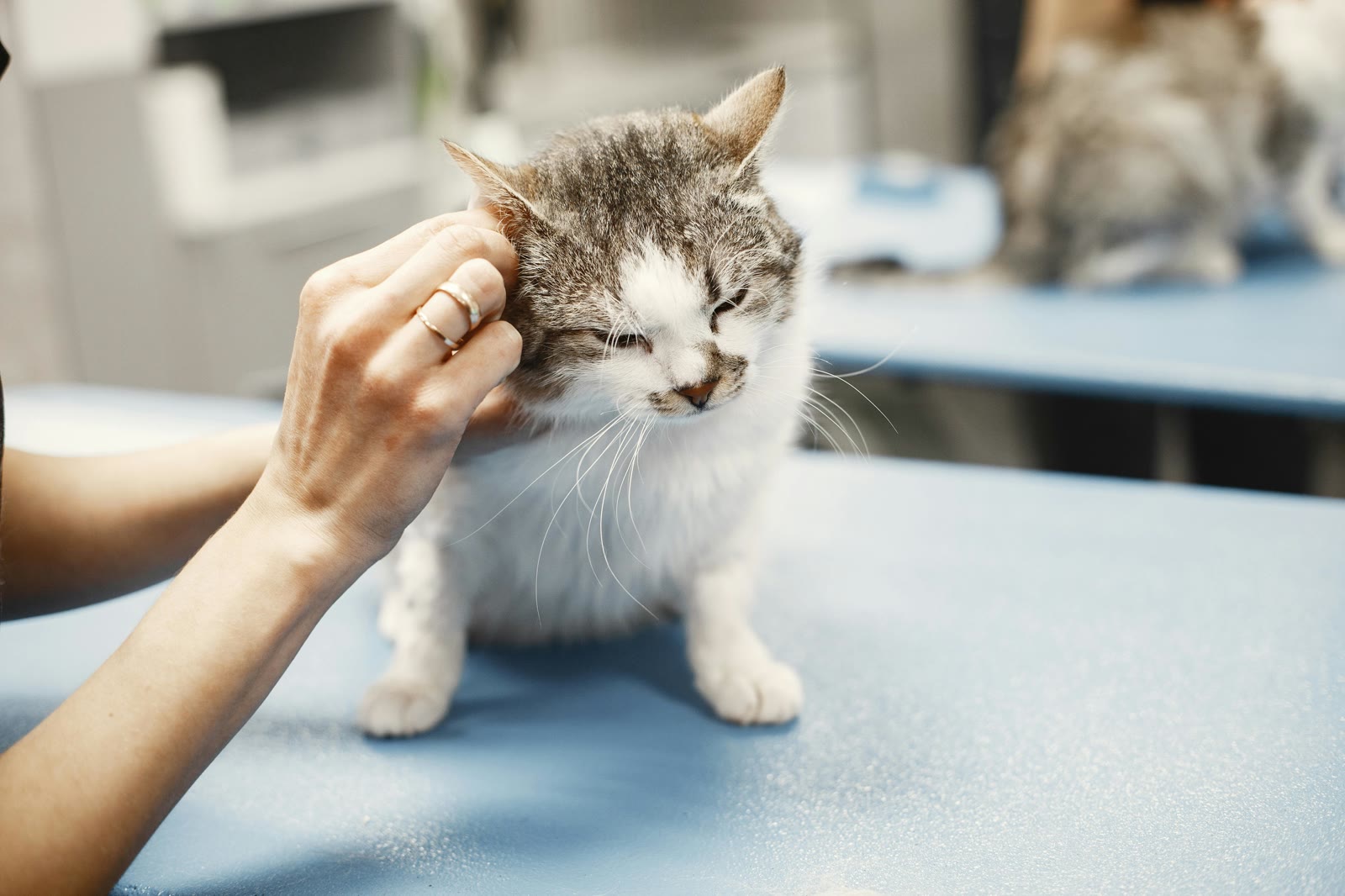
What to Bring to Your Pet's Vet Appointment
A complete checklist for preparing for your pet's vet visit, from vaccination records to health trends and medication lists.
What to Bring to Your Pet's Vet Appointment
Walking into the vet's office prepared makes the visit smoother for everyone, you, your vet, and your pet. Here's a complete checklist of what to bring, plus how to have it all at your fingertips without a folder full of paperwork.
The Essential Checklist
Records and Documents
Vaccination history: Proof of current vaccinations, including due dates for upcoming boosters
Medication list: Every medication your pet is currently taking, with dosages and frequency
Previous lab results: Blood work, urinalysis, or other test results from recent visits
Insurance information: Policy number and coverage details, if applicable
Microchip registration: Registration number and the associated contact info
Adoption or breeder paperwork: Especially useful for first visits or new vets
Health Data
Weight history: Has your pet's weight been stable, trending up, or trending down?
Medication adherence: How consistently have medications been given? Any missed doses?
Activity levels: Has your pet been more or less active than usual?
Behavioral notes: Any changes in appetite, energy, bathroom habits, or mood
Questions to Prepare
Symptoms or concerns you've noticed
Questions about diet, supplements, or lifestyle changes
Questions about upcoming procedures (dental, spay/neuter, etc.)

Write your questions down before the appointment! It's easy to forget what you wanted to ask once you're in the exam room. Your pet's profile notes are a great place to jot things down.
How MoaTails Makes This Easy
If you're using MoaTails, most of this checklist is already in your pocket:
All Documents in One Place
Your pet's document storage holds vaccination records, prescriptions, insurance info, and lab results. No digging through drawers or email archives, pull up any document right from your phone, even without WiFi.
Instant Medication List
Open your pet's calendar and filter by Medication type. You'll see every active medication, including the schedule and dosage in the description. It's your pet's complete, up-to-date medication list.
Weight Chart Ready to Show
The weight tracking sparkline gives your vet a visual of your pet's weight trend. Way more useful than trying to remember "I think she was about 12 pounds last time?"
Activity and Care History
The activity tab on your pet's profile shows a timeline of everything that's been logged, meals, walks, medications, notes. Your vet can see a clear picture of your pet's daily life.

If your vet is on your MoaTails care team, they can access all of this data directly from their own device. No phone-passing required!
Before the Appointment
The night before:
Review your pet's calendar for any overdue or upcoming items
Check the weight chart for recent trends
Jot down any questions or concerns in your pet's notes
Make sure your important documents are uploaded (vaccination records, recent lab work)
Morning of:
Bring your phone (your entire pet health record is in it)
Bring any physical items the vet needs to see (stool sample, skin sample, etc.)
A leash, carrier, or harness as appropriate for your pet
After the Appointment
Don't lose the information from the visit:
Upload new documents: Scan or photograph any paperwork and add it to MoaTails
Update medications: If the vet changed a dosage or added a new prescription, update your calendar events
Log the visit: Create an Appointment event to keep a record of the visit and any notes
Schedule follow-ups: Set up the next appointment as a calendar event with a reminder
Frequently Asked Questions
What if I'm visiting a new vet for the first time? Bring everything you can, full vaccination history, any previous vet records, medication list, and microchip number. If you've been tracking in MoaTails, all of this is already there.
Should I bring my pet's food or treats? Only if the vet specifically requested it (for allergy testing, dietary consultation, etc.). But having the brand and type noted in your pet's profile can be useful for nutrition discussions.
What if I forgot to log something? You can always add past events to MoaTails after the fact. Create the event, set the correct date, and mark it complete. It'll show up in your pet's history.
Keep Reading
Related articles

Dog Dental Care: The Most-Skipped Thing in Pet Health
Most adult dogs have some dental disease and most owners can't tell. The honest hierarchy of what works (brushing, chews, cleanings) and the cost of skipping it.

Free-Feeding vs Scheduled Meals: What Each Actually Does to Training, Weight, and Your Day
The always-full bowl versus set mealtimes: honest pros and cons for dogs and cats, what vets see in each camp, and how to switch without a hunger strike.