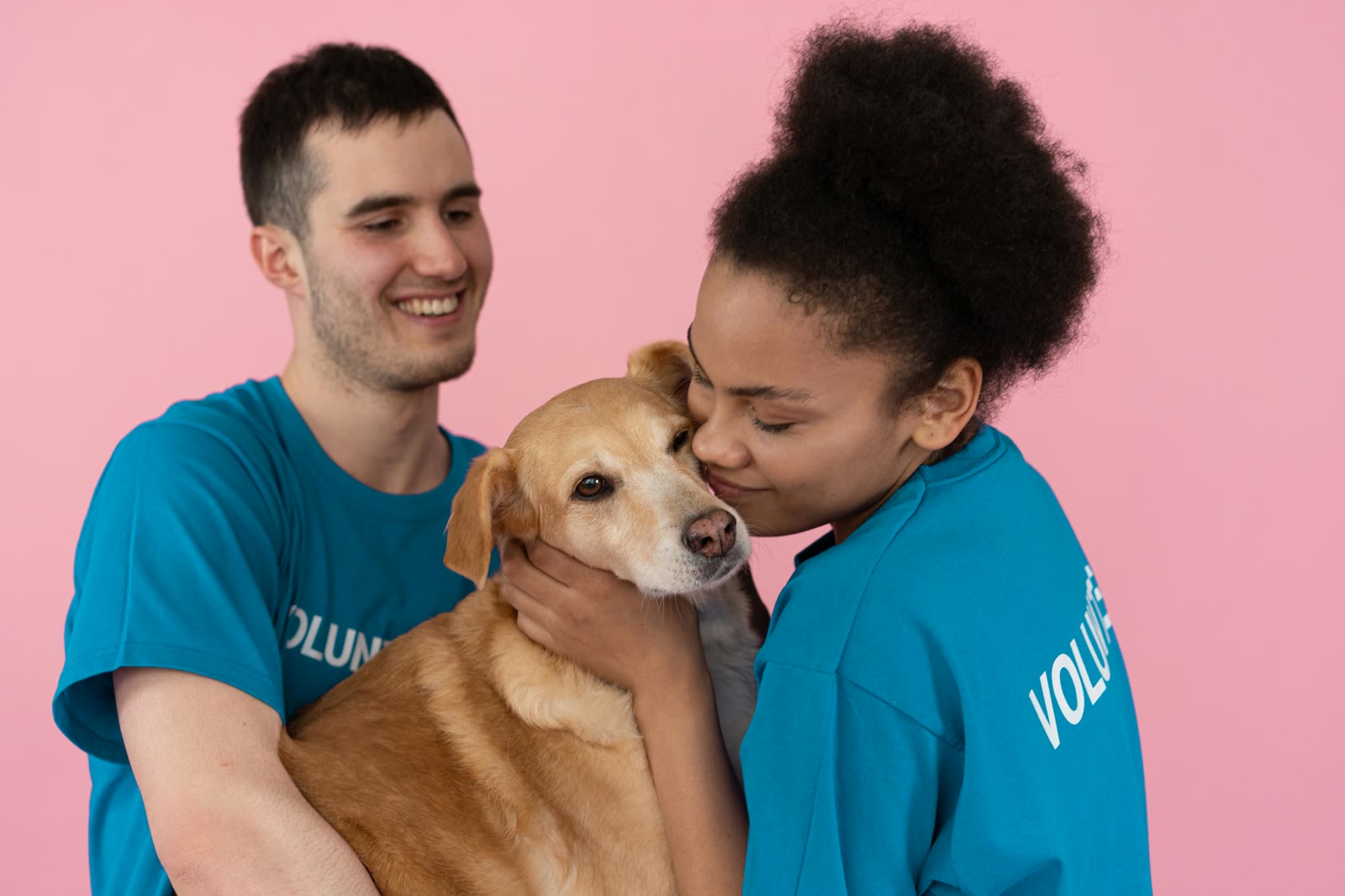
Building Your Pet Care Team
How to use MoaTails' collaboration features to keep your entire care team (family, sitters, vets) in sync with your pet's needs.
Building Your Pet Care Team
Your pet's care doesn't happen in isolation. Between family members, pet sitters, dog walkers, groomers, and veterinarians, there are a lot of people involved in keeping your furry friend happy and healthy.
The problem? Information gets siloed. Your partner doesn't know you already gave the morning medication. Your pet sitter doesn't have access to the vaccination records. Your vet doesn't know about the dietary changes you made last month.
MoaTails fixes this with shared care teams, and it's one of the features pet parents love most.
The Shared Care Model
MoaTails is built around the idea that pet care is a team sport. When you invite someone to your pet's care team, they get:
Real-time calendar access: See what's been done and what's pending, updating in seconds
Notification updates: Get notified when tasks are completed or overdue
Document access: View important pet documents like vaccination records and prescriptions
Activity feed: A running log of who did what and when, the ultimate accountability tool

Here's the best part: team members don't need a paid plan. Anyone you invite joins for free. No subscriptions, no friction, just shared care.
Who Should Be on Your Team?
Think about everyone who interacts with your pet regularly:
Household members: Partners, roommates, kids old enough to help with care
Pet sitters & walkers: Anyone who watches your pet when you're away
Family members: Parents or siblings who pet-sit occasionally
Your veterinarian: So they can see health trends and medication history before appointments
Setting Smart Boundaries with Permissions
Not everyone needs the same level of access. MoaTails gives you granular permissions for each team member:
Your partner: Full access as an Owner with all permissions
Dog walker: Activities and Notes only. They can mark walks complete and leave observations, but can't modify medication schedules.
Pet sitter: Feeding, Activities, Notes, and read-only Document access. They see exactly what's needed while you're away.
Occasional family helper: View-only access to the calendar so they know the routine without accidentally changing anything
You can adjust permissions at any time as roles change.

Start simple! Give new team members basic access and expand it as needed. It's always easier to add permissions than to undo changes made with too much access.
A Day in the Life: How a Care Team Collaborates
Here's what shared care looks like in practice:
7:00 AM. You feed the dog and mark "Morning feeding" complete. Your partner sees it's done.
8:30 AM. Your partner gives the morning medication and marks it complete. You see the update while commuting.
3:00 PM. The dog walker arrives, opens MoaTails, sees the afternoon walk is pending. They take the dog out and mark it complete, adding a Note: "Great energy today, extra fetch at the park."
6:00 PM (You get home and check the activity feed. Feeding, medication, and walk) all done, all documented. No texts needed.
8:00 PM. You give the evening medication. The full day is logged.
This isn't hypothetical. This is what organized pet care actually looks like.
Getting Started
Inviting someone is simple:
Open your pet's profile and tap Care Team
Send an invite by email or shareable link
They create a free MoaTails account (if they don't have one)
They instantly see your pet's profile and schedule
No complicated setup. No subscription required for team members. Just shared care in under a minute.
Start building your care team today, your pet (and your sanity) will thank you. Check out the full Care Team documentation for more details on roles, permissions, and managing your team.
Keep Reading
Related articles
The Daily Report Card: What a Good Sitter Update Actually Looks Like
Beyond the blurry photo and 'all good!': what to ask your sitter to share each day, and how the daily report card turns sitter updates into peace of mind.
Roommates With a Shared Cat: Who Scooped, Who Fed, Who Knows
The flatmate cat works great until nobody knows who fed her. House rules, fair splits, and a shared log that survives everyone's class schedule.